


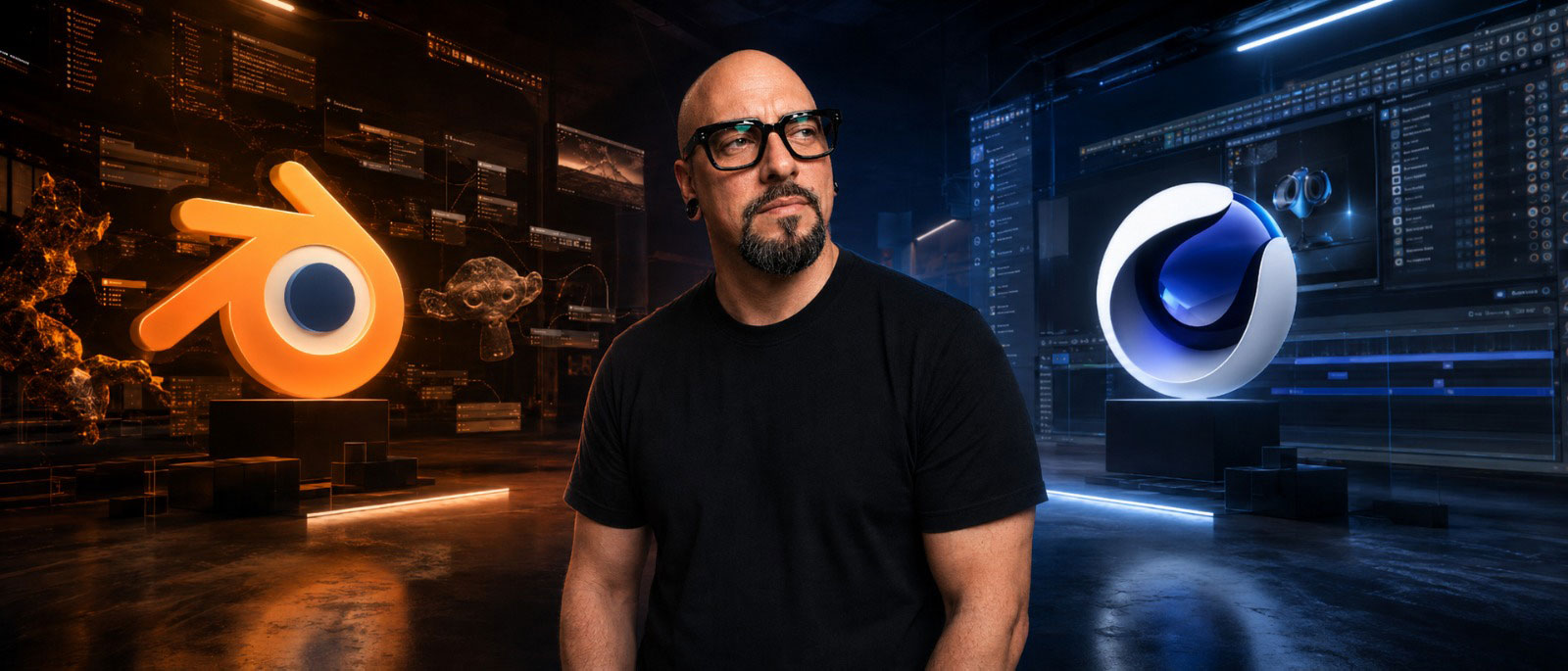

Every time people talk about 3D, sooner or later the usual holy war begins: Blender vs Cinema 4D.
On one side, you have people saying: “Why should I pay when Blender is free?” On the other, you have those replying: “Cinema 4D is the industry standard.” Then come the Houdini people, the Maya people, the Unreal people, and the ones who think that if you are not using the “right” software, you are not a real professional.
The truth is much simpler: in most cases, the problem is not the software.
The problem is what you know how to do with it.
Let me say this immediately, so there is no misunderstanding: I am biased. Over the last few years, I have increasingly chosen to work with free and open-source systems. I use Linux, Blender, DaVinci Resolve and all those tools that give me more control, more freedom and less dependency on subscriptions, licences and corporate decisions made above my head.
But I do not think commercial software is automatically evil.
Cinema 4D is a great piece of software. After Effects is still everywhere. Houdini is a monster. Maya is still essential in certain pipelines. Redshift, Octane, Arnold, Unreal, Fusion, Nuke, Cavalry, TouchDesigner: they are all tools.
And that is exactly the point: software is just a tool.
If you really know your tools, you can do almost anything. Maybe not always in the most comfortable way. Maybe not always in the fastest way. But if you have inventiveness, method and a good eye, you will find a solution.
The problem is that inventiveness is often missing exactly where it is needed most: in the brief, in the client, or in certain TDs who fall more in love with the perfect pipeline than with the final image.
At that point, you can have the most expensive software in the world, but if you do not know what you are trying to achieve, you are just pressing buttons inside a more expensive interface.
Blender and Cinema 4D are not really built for the same thing
The first mistake is thinking that Blender and Cinema 4D are simply two versions of the same concept.
They are not.
Blender is a complete ecosystem. Modelling, sculpting, UVs, rigging, animation, Geometry Nodes, simulations, rendering, compositing, grease pencil, scripting. It is huge. Sometimes too huge. But that is exactly why it allows you to build a very personal workflow.
Cinema 4D, on the other hand, has a much clearer vocation: motion design, advertising, broadcast, product visualisation, animated graphics, clean workflows and fast production.
Blender is more like a workshop. Cinema 4D is more like a studio that is already fully equipped.
In Blender, you can often build the tool you need, even if sometimes you have to swear a little to make it work the way you want. In Cinema 4D, many of the tools are already there, tidy, polished and ready to use.
This is why Cinema 4D became so strong in motion design. MoGraph, Cloner, Effectors, Fields, After Effects integration, lightweight procedural workflows: everything is designed to quickly create animated images, packshots, idents, product visuals and commercial content.
Blender can do many of these things, and today it does them very well. But its DNA is broader, freer, more generalist.
So the question is not: “Which one is better?”
The question is: “What kind of work do you need to do?”
Comfort vs control
Cinema 4D gives you comfort.
That is its great strength. You open the software and everything feels designed to avoid wasting your time. The UI is clean, the workflow is coherent, many tools are immediate. If you need to do commercial motion design, you often get to the result more directly.
And in production, that matters.
Because when you have a client changing their mind three times in one afternoon, a producer asking for a preview by 6pm and a delivery in five different formats, comfort is not a luxury. It is survival.
Blender, instead, gives you control.
It does not always hold your hand. Sometimes it leaves you in the middle of the road with a flat tyre and a tutorial from 2019 open on your second monitor. But it gives you enormous freedom. You can customise it, automate it, extend it and bend it to your workflow. You can work with add-ons, Geometry Nodes, Python, weird exports, custom pipelines and hybrid solutions.
Blender is less comfortable at the beginning, but freer in the long run.
And this is where many people misjudge it.
A beginner tries Cinema 4D and thinks: “This is easier.” Then they try Blender and think: “This is a mess.” Partly, that is true. But it does not mean Blender is less professional. It simply means it forces you to understand more of what you are doing.
And for me, that is a good thing.
Because comfort can become a cage. You get used to the preset, the button, the ready-made shortcut. Then, as soon as you step outside the expected path, you get stuck.
Control, instead, forces you to think.
And that is where an artist actually grows.
The cost is not just the licence
When people talk about Blender and Cinema 4D, they always end up talking about price.
Blender is free. Cinema 4D costs money. End of story.
Except it is not that simple.
Blender is free as a licence, but it is not free as a learning process. You have to invest time. You have to build your own logic. You have to accept a messier learning curve. You have to learn how to search for solutions, test add-ons and understand what is stable and what is not.
Cinema 4D costs money, but it often saves time. And in a studio, time costs more than the licence. If a pipeline is already built around Cinema 4D, Redshift, After Effects and specific plugins, you cannot simply walk in tomorrow and say: “From now on, everyone uses Blender because it is free.”
That is not how it works.
But the opposite is also true: paying for software does not make you good.
Paying for Cinema 4D does not make you a motion designer. Paying for Adobe does not make you an art director. Paying for a renderer does not give you a photographic eye.
The tool can speed things up. It can simplify. It can make production more efficient.
But it does not replace taste, inventiveness, composition, rhythm, lighting, camera work, timing and problem-solving.
“Industry standard” depends on the industry
One of the most overused phrases is: “You need to learn this because it is the industry standard.”
Fine, but which industry?
Cinema 4D is extremely strong in motion design, agencies, broadcast, advertising, commercial content and fast product visualisation.
Blender is becoming increasingly present among freelancers, small studios, creators, visual artists, independent designers, indie game developers and companies that want to reduce licensing costs.
Maya is still important in animation and character pipelines. Houdini is central for FX, simulations and advanced procedural work. Unreal is now essential when we talk about real-time and virtual production.
So “industry standard” means nothing unless you first define the industry.
So what should a 3D artist learn?
The honest answer is: it depends on where you want to go.
If you are starting out, have little budget, want to understand 3D broadly, want to model, animate, render, experiment and build a portfolio, I would start with Blender without thinking too much about it.
Not because it is perfect.
But because it gives you everything. It forces you to understand. It gives you freedom. It lets you start immediately. And above all, it does not put a financial barrier in front of you while you are still learning.
If, on the other hand, you already know that you want to work in motion design studios where Cinema 4D is required, then it makes sense to learn it. Not out of religious faith. Out of pragmatism.
If the market you are aiming for uses Cinema 4D, you need to know it. Full stop.
But you do not have to marry it.
This is probably the most important part: you do not have to marry any software.
Use Blender. Learn Cinema 4D. Try Houdini. Open Unreal. Look at Fusion. Understand Resolve. Play with TouchDesigner. Study the principles, not just the buttons.
Because buttons change.
Principles remain.
Conclusion: choose the tool, not the religion
Blender vs Cinema 4D is a useful debate only if we bring it back to reality.
Blender is powerful, free, huge, sometimes uncomfortable, but increasingly credible in production.
Cinema 4D is elegant, fast, mature, extremely strong in motion design, but expensive and more tied to a commercial ecosystem.
Neither of them will make you good on its own.
Neither of them will replace inventiveness, taste, a good eye and the ability to solve problems.
The question is not: “Which software wins?”
The question is: “Which tool do I need to do this job better?”
Because in the end, software is only a means. And if you really have something to say, you will find a way to say it using different tools.
The rest is forum warfare.
And honestly, we have already wasted enough time on forum warfare.






 Estudio EA